You can do fuel transactions (cash or card) on Supersonic, but you will still need to program the pump on your Verifone or Gilbarco.
Here a different ways you can do a fuel transaction on SuperSonic.
- If a customer wants '$20' on pump 1 - ring up $20 and select manual fuel
Then, once they've made the transaction, program their pump accordingly.
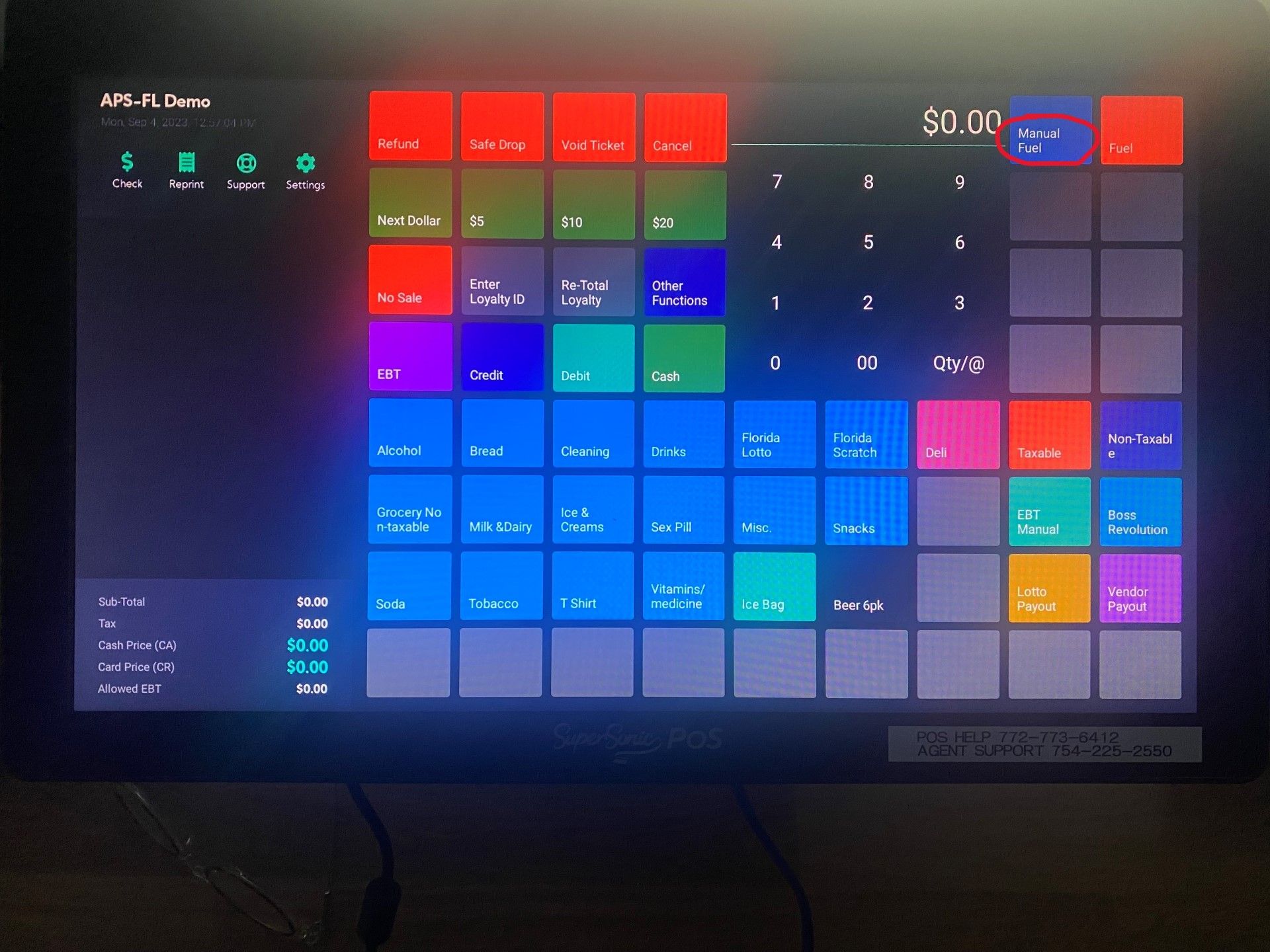
2. A customer wants 10 gallons of gas
First, open up the fuel menu
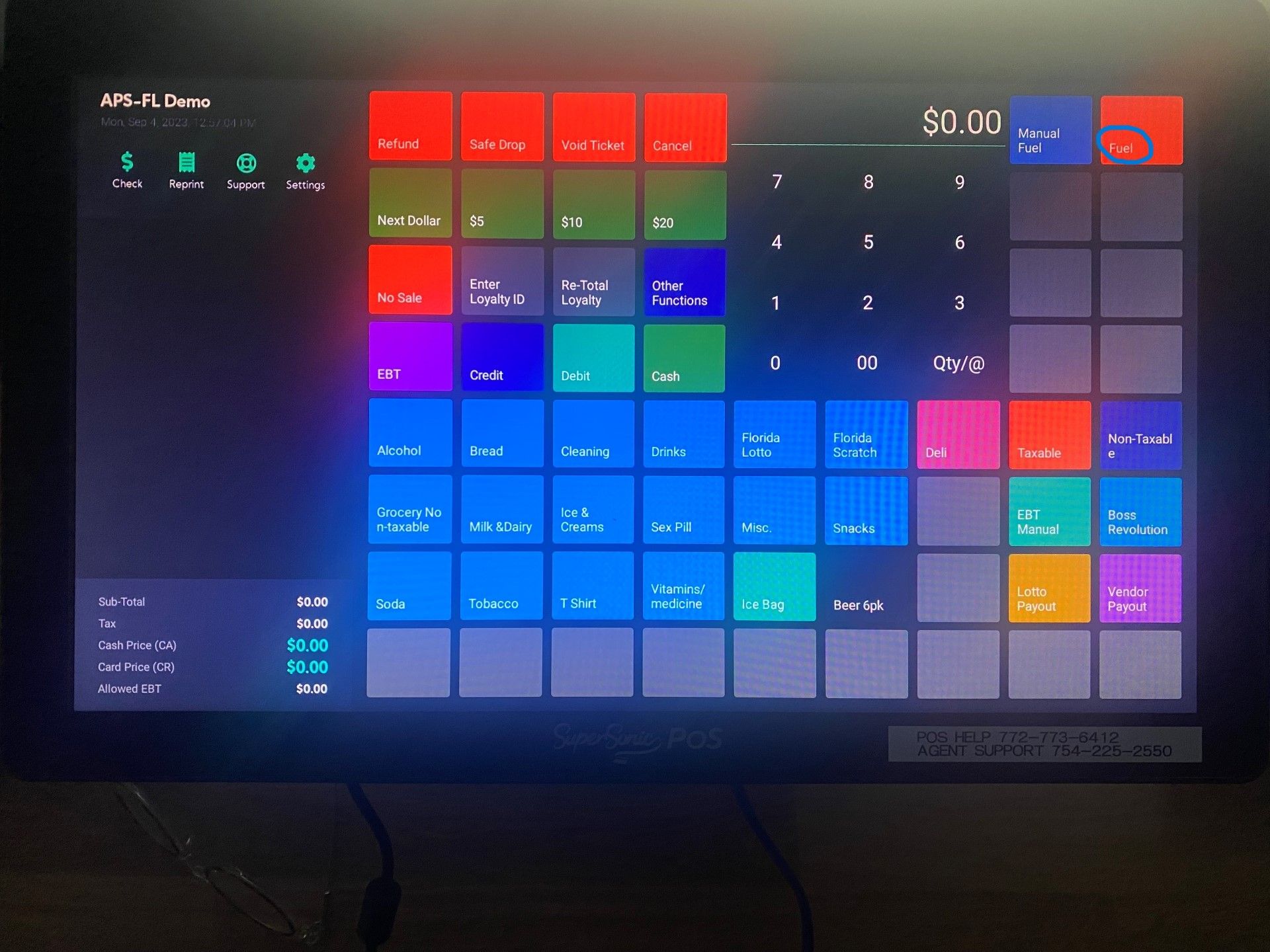
Then select the type of gas they will be buying
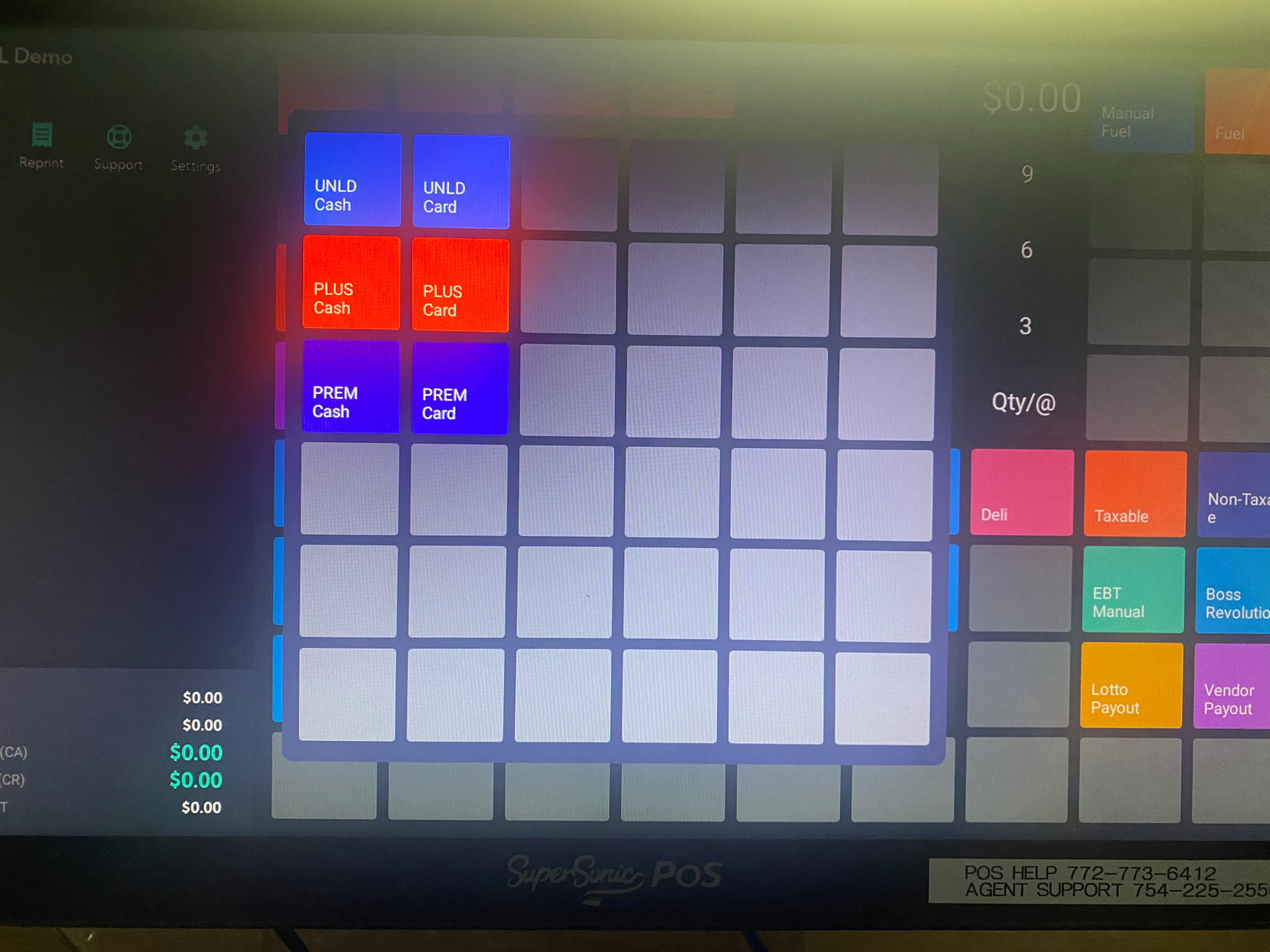
Note that if you have two separate prices for cash and card, you will need to designate sperate buttons for them. If your UNLD card is 3.50, and your cash is 3.45. Then you will need to separate those.
Then, once they've made the transaction, program their pump accordingly.
If you ever change your gas prices, make sure to change them in the 'Fuel Prices' section of Petro Outlet and change the products themselves. Also, don't forget to send a POS Transmission when you're done. For a more in depth guide, click here.