When you wish to change your fuel prices, there are two things you must do in Petro Outlet.
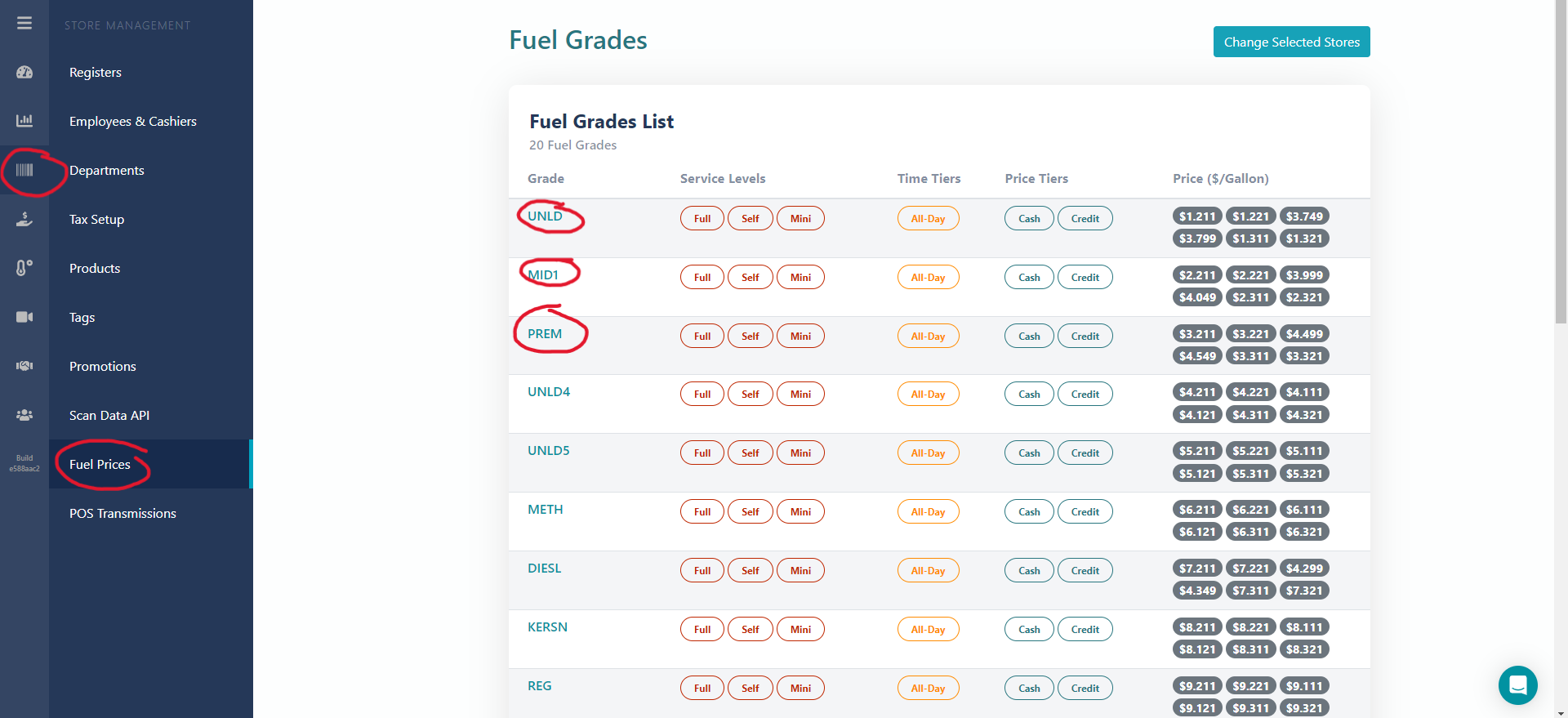
Go to Fuel Prices under Store Management.
Then you will see your gas prices. In this case, they have 3: UNLD, MED1, and PREM
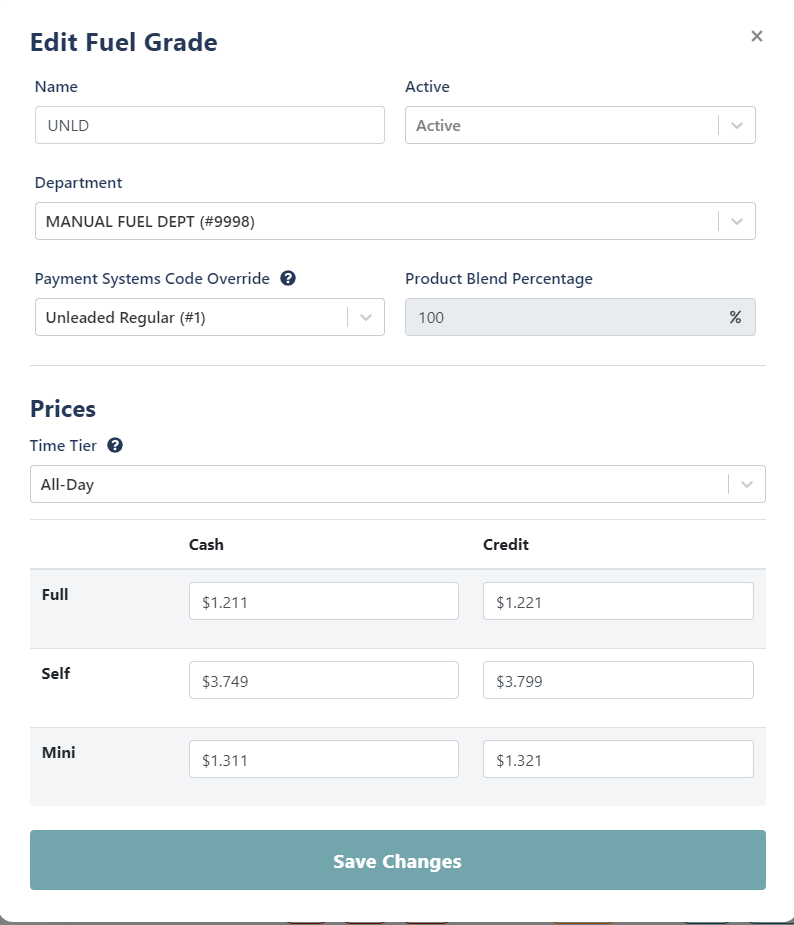
Edit the prices as you wish. If you have a cash and a card price, make sure you change both.
Next, go to Products and Filter to the Fuel Department
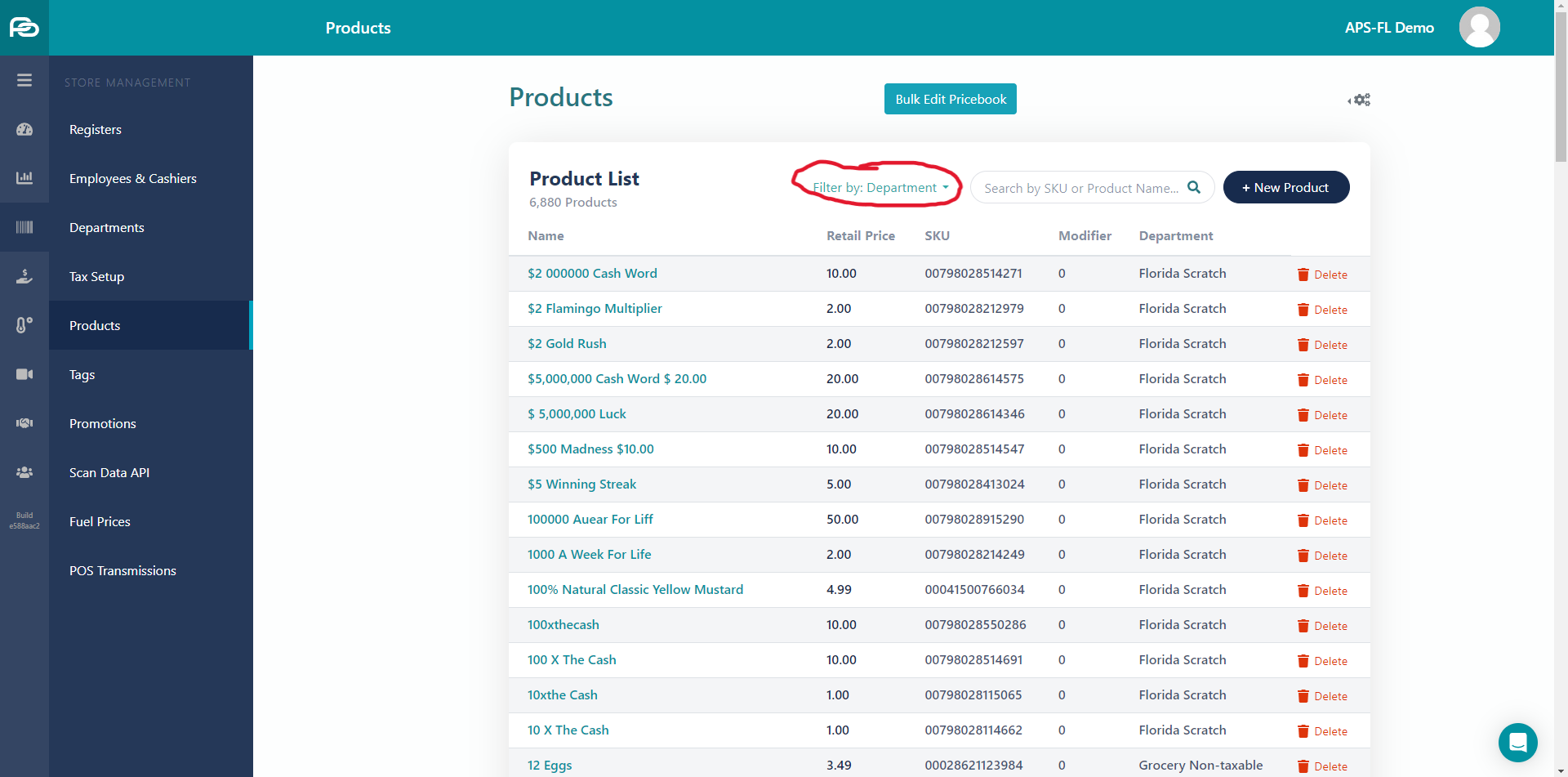
Then, edit your prices for your gas products. If you have a cash and card price, you will edit 6 prices. If you just have one price, then you will edit three.
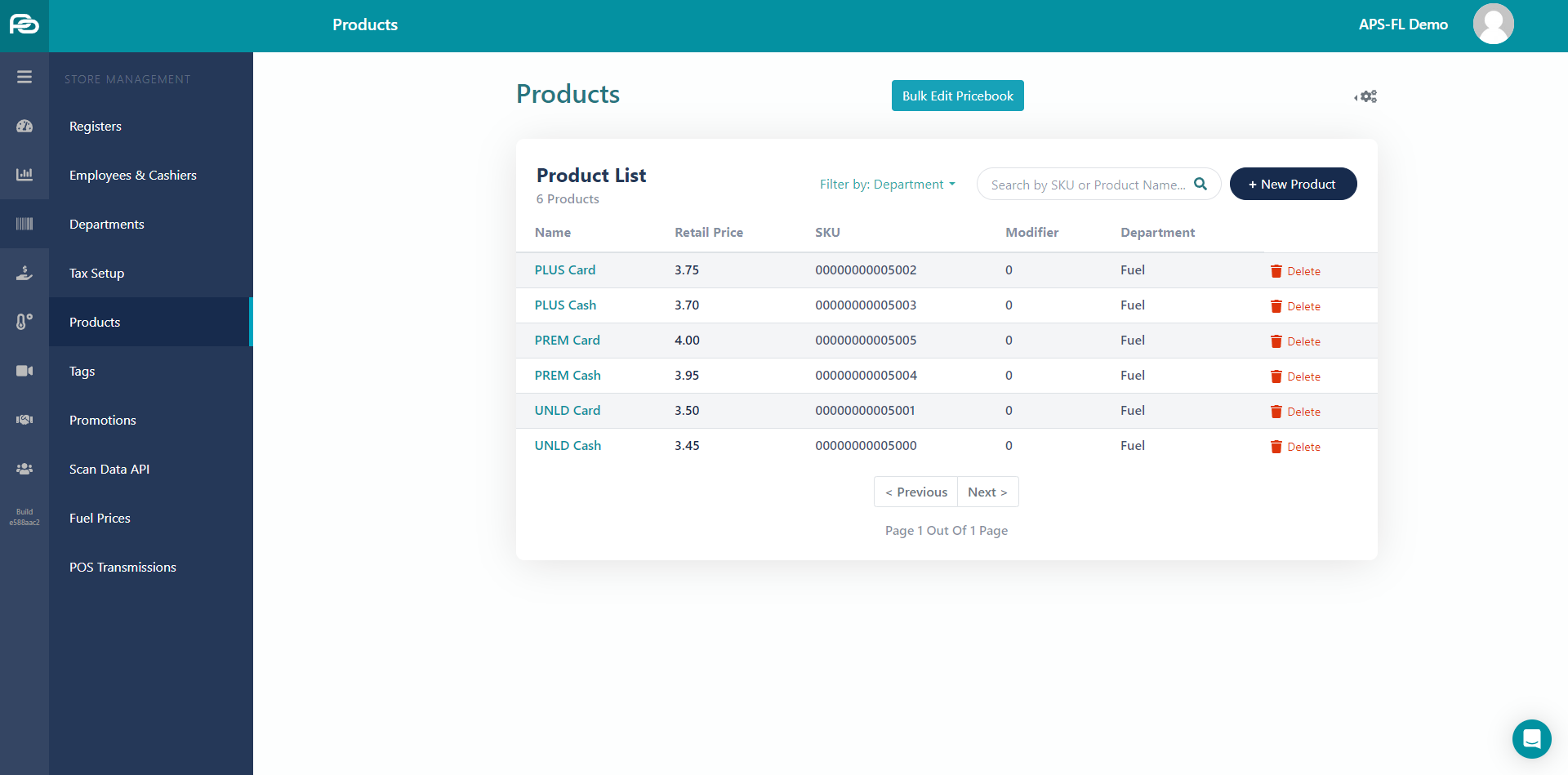
Once you have finished, make sure to do a POS Transmission. Otherwise, it will not change to your new pricing.