You are be able to set up alerts for when you would like Petro Outlet to notify you that your tank levels are too low. You are able to decide what gallon threshold will give that alert. You can also set who will receive these alerts.
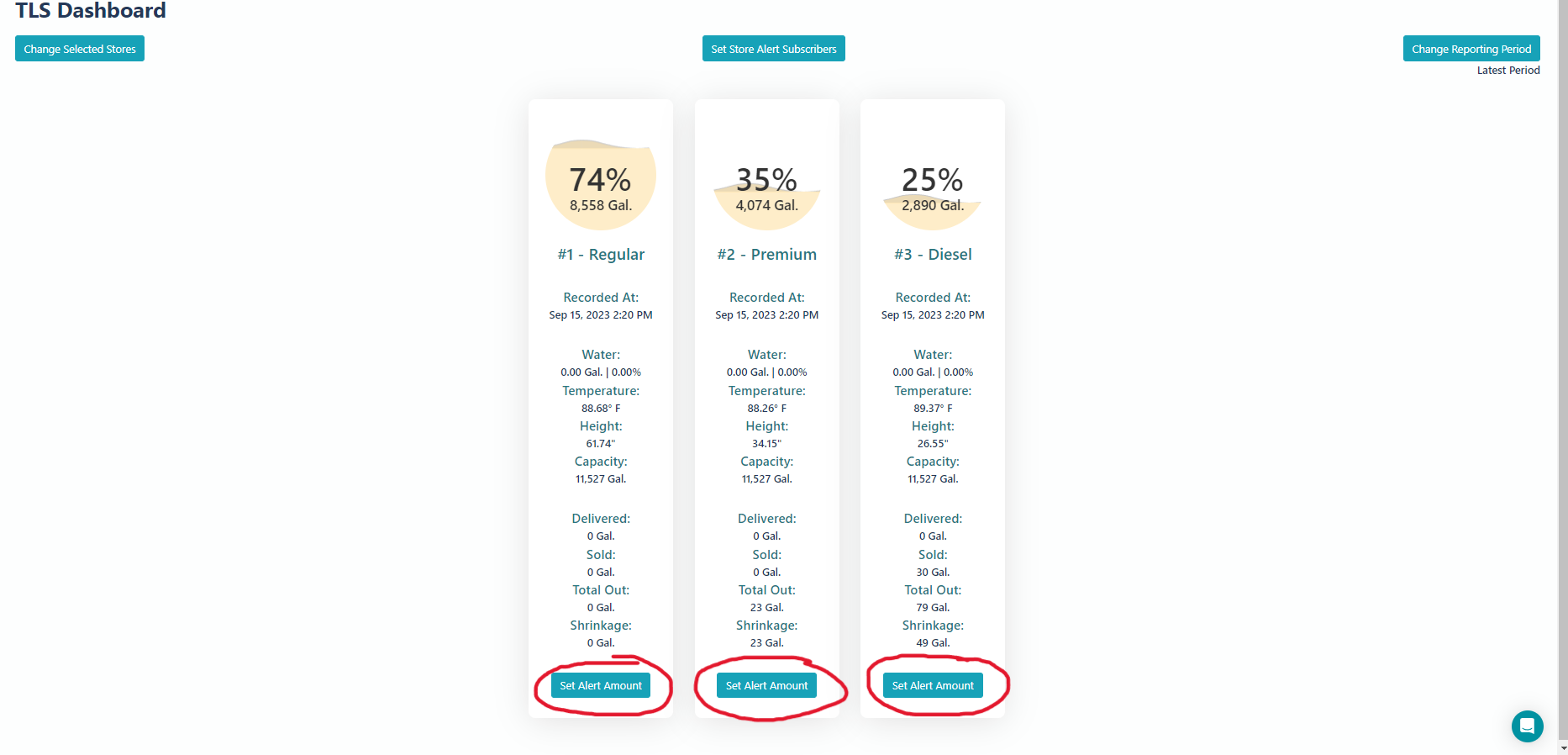
Start by going to your TLS Dashboard on Petro Outlet and select which fuel you want to set an alert for:
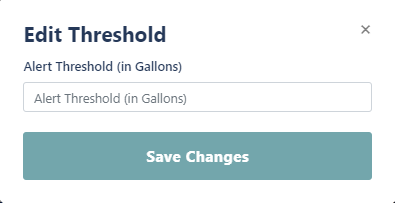
Then set the threshold for how many gallons will set off an alert and click save changes.
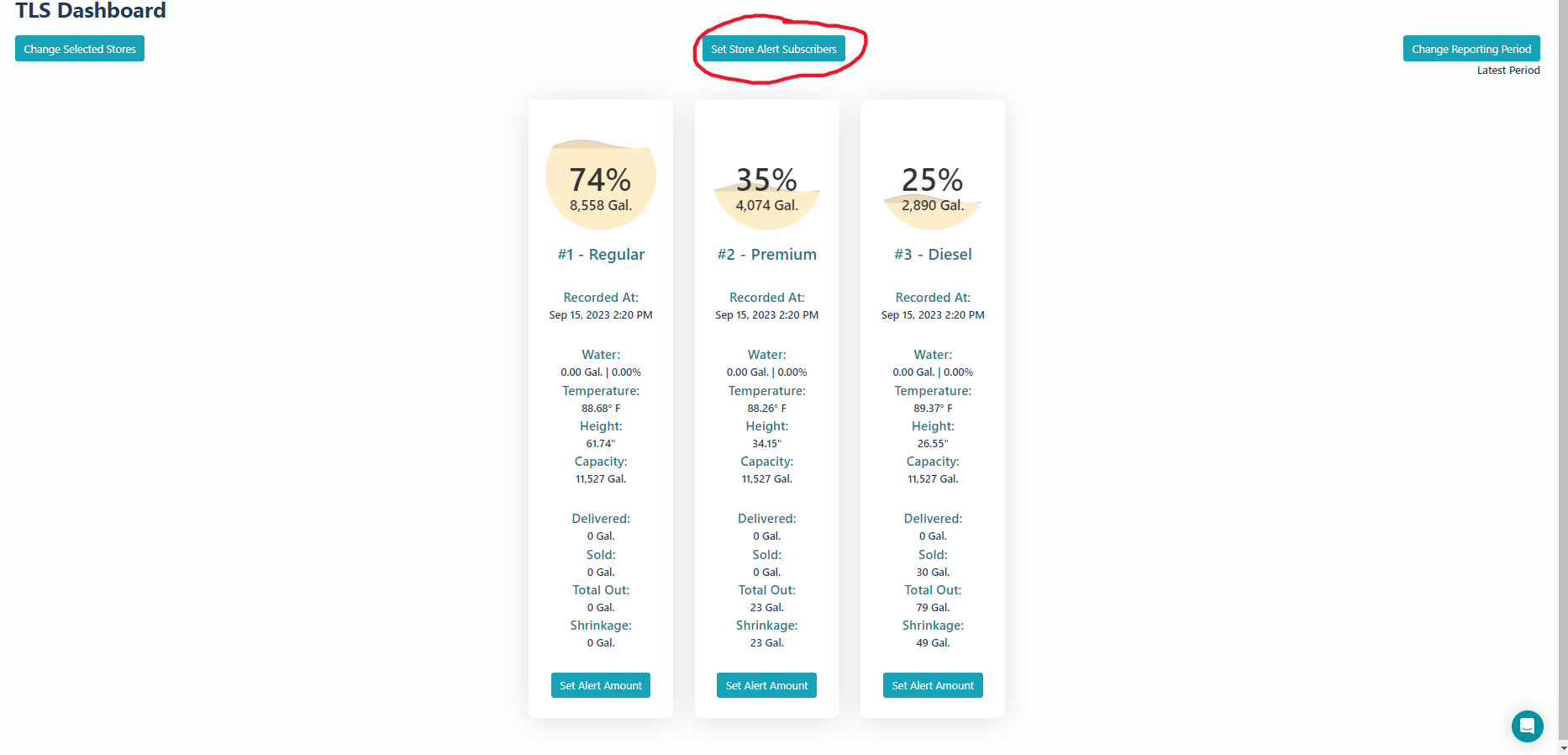
To set who will receive these alerts, select 'Store Alert Subscribers'.
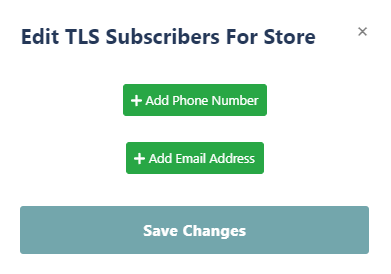
Then add the phone number or email address of the people who will be a subscriber and click save changes.
Now your TLS will give alerts at the given threshold and will send the alert to your subscribers.