~'Failed to connect to PIN Pad'~
- Reboot the PIN Pad. This just means that the PIN pad lost internet connection during the transaction for a second. a simple reboot should fix it
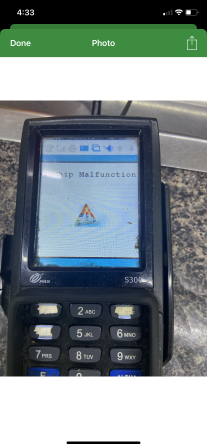
1-Chip Malfunction
- Chip reader is either dirty or can't read chip anymore
- You can use these terminal card cleaners - this works often. Make sure the PIN pad is off when you clean them
https://www.amazon.com/gp/product/B07TSL5YCM/ref=ppx_yo_dt_b_asin_image_o00_s00?ie=UTF8&th=1
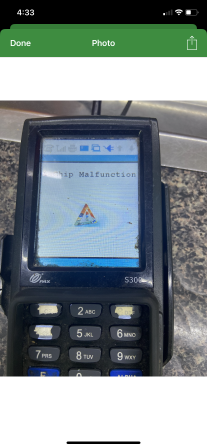
2- Chip Read Error
- Chip reader is either dirty or can't read chip anymore
- You can use these terminal card cleaners - this works often. Make sure the PIN pad is off when you clean them
https://www.amazon.com/gp/product/B07TSL5YCM/ref=ppx_yo_dt_b_asin_image_o00_s00?ie=UTF8&th=1
Transaction isn't sending to PIN Pad when they press 'Credit/Debit'
- Make sure that their network is online
- If they just rebooted the PIN pads when the problem arose, give it a few minutes. It should starting working in a little bit